$ grep -ril "Windows Command Prompt" ./guides
Results for Windows Command Prompt
# 40 guides
- DevOps & Systems7 minA Complete Guide to the CHKDSK Command in Windows (How to Run It & Fix Drive Errors)Learn how to run CHKDSK in Windows 11 or 10. This guide provides the right commands (/f, /r) to fix disk errors, bad sectors, and repair your drive.
- DevOps & Systems6 minHow to Restart Windows from CMD: The Complete Command List (Force, BIOS & Remote)Need to reboot fast? Here is the complete list of CMD shutdown commands for Windows 10/11. Learn how to force restart, enter BIOS, or cancel shutdown instantly.
- DevOps & Systems7 minWindowsHow to Fix the MSCOMCTL.OCX Error on Windows 10 and 11Learn how to fix the MSCOMCTL.OCX missing or not registered error on Windows 10 and 11. Step-by-step solutions including manual registration and VB6 download.
- DevOps & Systems8 minWindows192.168.1.1 Not Working: How to Fix Router Admin Page Access192.168.1.1 refused to connect? Fix it fast: find your actual gateway IP, bypass browser HTTPS blocks, clear lockouts, and diagnose IP conflicts.
- DevOps & Systems6 minWindows Command PromptHow to Run an EXE File from CMD: Arguments, Admin Rights & ErrorsLearn how to execute EXE files using Command Prompt. Covers passing arguments, handling spaces in paths, running as Administrator, and keeping the window open.
- DevOps & Systems12 minWindows Command PromptPowerShellWindows CMD Commands for Developers: Essential Coding WorkflowsMaster the Windows CMD commands developers actually use: kill stuck localhost ports, fix broken PATH variables, chain build commands, and search log files.
- DevOps & Systems6 minHow to Ctrl+Alt+Del on a Mac: Force Quit & Task Manager EquivalentsNeed the Ctrl+Alt+Del equivalent for your Mac? Learn how to force quit frozen apps (Command+Option+Esc) and open the Task Manager (Activity Monitor).
- DevOps & Systems7 minRustrustupCargoInstall Rust on Windows: rustup, Cargo, VS Code, and Common FixesInstall Rust on Windows with rustup, set up VS Code with rust-analyzer, choose MSVC vs GNU toolchain, and fix the most common Windows-specific errors.
- DevOps & Systems6 minHow to Fix NVIDIA GeForce Experience Error Code 0x0003 (Step-by-Step Guide)Frustrated by Error 0x0003? Our guide shows you how to fix NVIDIA services, perform a clean install, and solve the issue on Windows 11/10. Step-by-step.
- DevOps & Systems8 minAntimalware Service Executable High CPU Fix: 5 Ways to Stop the LagAntimalware Service Executable eating your CPU? Cap Defender CPU limit via Group Policy, stop the self-scanning loop, and fix corrupted definitions fast.
- DevOps & Systems6 minEthernet vs Wi-Fi: When Does a Physical Cable Actually Matter?Ethernet vs Wi-Fi: real speeds, latency benchmarks, cable categories, and a hybrid setup guide. Includes a fix for when Ethernet is slower than Wi-Fi.
- DevOps & Systems8 minHow to Fix DNS_PROBE_FINISHED_NXDOMAIN Error Easily?Encountering the DNS_PROBE_FINISHED_NXDOMAIN error? Learn how to fix this connection issue on Windows, Mac, Android, and Chrome with our step-by-step guide.
- DevOps & Systems10 minHow to Activate Windows 10 and 11: Digital License, Product Key and Error FixesLearn how to activate Windows 10 and 11 using a digital license or retail key, and fix errors like 0xC004C003 and 0xC004F074. Step-by-step instructions.
- DevOps & Systems8 minlsofnetstattaskkillHow to Find and Kill a Process by Port Number (Mac, Windows & Linux)Stuck on "Error: port already in use"? Learn to find the Process ID (PID) and kill any open port on Mac, Windows, or Linux using lsof, netstat, and taskkill.
- DevOps & Systems6 minpipPythonHow to Upgrade Pip in Python: Windows, macOS, and LinuxLearn exactly how to upgrade pip in Python on Windows, macOS, and Linux. Fix common 'pip not recognized' errors and manage virtual environments easily.
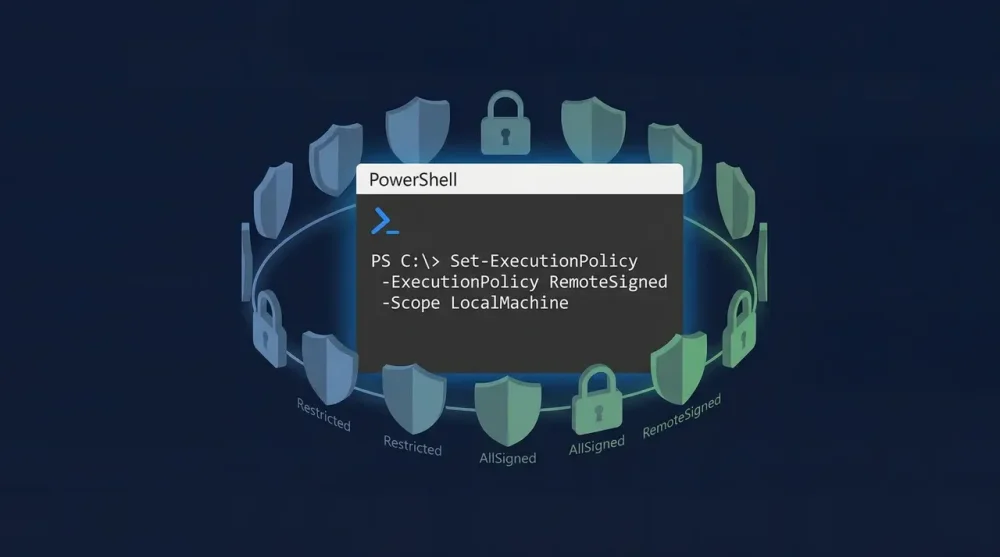
- DevOps & Systems9 minPowerShellPowerShell Execution Policy: How to Run Scripts on WindowsFix 'running scripts is disabled on this system' in seconds. Set RemoteSigned policy, use Unblock-File for downloads, or bypass for one-time runs.
- DevOps & Systems9 minWindowsPowerShellVS CodeHow to Edit Hosts File on Windows 10 and 11 (CMD, PowerShell & VS Code)Learn how to edit the hosts file on Windows 10/11 using PowerShell, VS Code, or Notepad. Fix 'Access Denied' errors instantly with this developer guide.
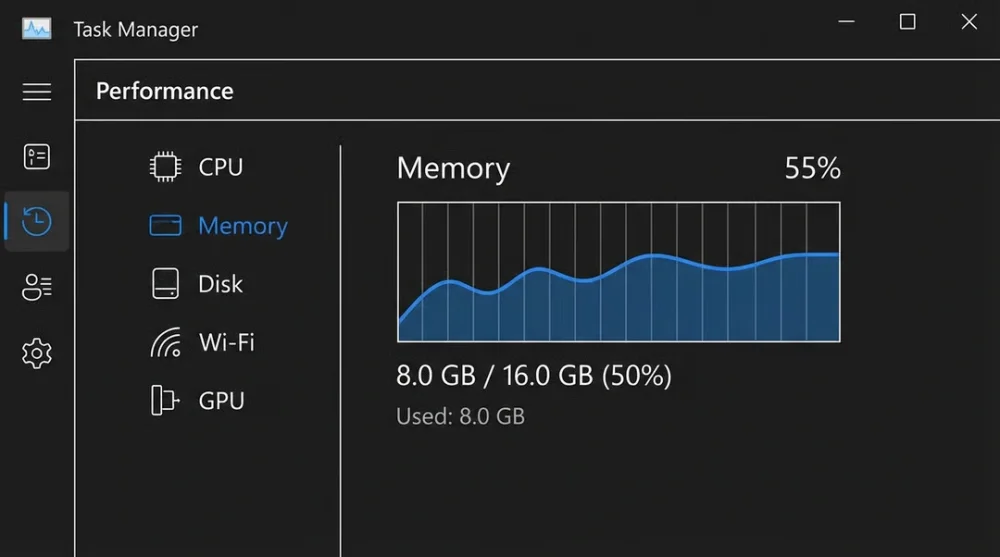
- DevOps & Systems8 minHow to Check RAM Specs on Windows: Type, Speed & SizeCheck your RAM specs in seconds using Task Manager, CMD, or CPU-Z. Includes a step-by-step fix if your RAM is running slower than its rated speed.
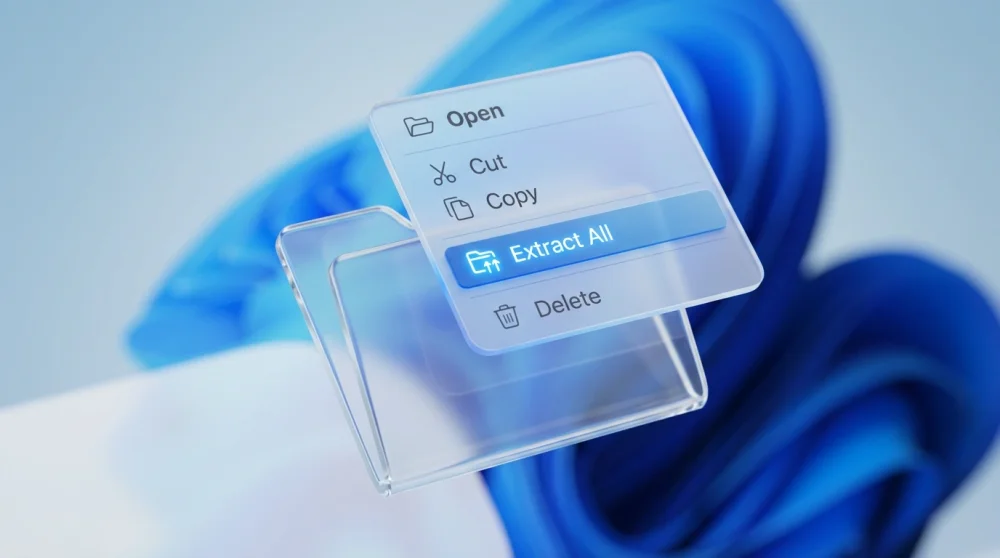
- DevOps & Systems7 minHow to Open 7z Files on Windows, Mac, and LinuxExtract 7z files on any OS. Covers Windows 11 native, 7-Zip CLI commands, batch extraction, password-protected archives, split volumes, and macOS Homebrew.
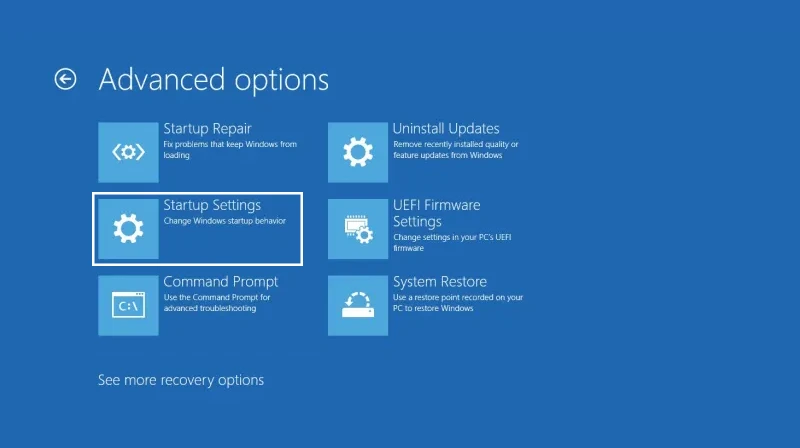
- DevOps & Systems6 minHow to Start Windows 11 & 10 in Safe Mode (Black Screen, Settings & CMD Methods)Stuck on a black screen or need to remove a virus? Here is how to start Windows 11 and 10 in Safe Mode using Shift+Restart, msconfig, or force reboot.
- DevOps & Systems6 minvcpkgCMakeVisual Studiovcpkg: Install and Manage C++ Libraries with CMake and Visual StudioInstall and manage C++ dependencies with vcpkg: manifest mode vs classic, CMake integration, triplets explained, and troubleshooting build failures.
- DevOps & Systems7 min0xc000007b Error Fix: Step-by-Step Diagnosis and RepairLearn what causes the 0xc000007b error and how to fix it permanently with step-by-step solutions for Windows 10 and 11. Step-by-step instructions, proven.
- DevOps & Systems9 minNode.jsNVMnpmHow to Update Node.js: The Complete Guide (NVM, NPM, & Installers)Update Node.js using NVM, the n package, Homebrew, or winget. Fix EACCES permission errors and migrate global packages without breaking your projects.
- DevOps & Systems8 minLinuxripgrepfzfHow to Find a File in Linux: The Ultimate Terminal Cheat SheetThe complete Linux file search toolkit: find, fd, grep, ripgrep, and fzf with real examples for name, content, size, time, permissions, and safe deletion.
- DevOps & Systems6 minWSLVS CodeHow to Install WSL 2 on Windows 10 & 11: The Ultimate GuideLearn how to install WSL 2 on Windows 10 and 11 quickly. Includes automatic & manual methods, troubleshooting virtualization errors, and VS Code setup.
- DevOps & Systems9 minHyper-VPowerShellWindowsHow to Enable Hyper-V on Windows 11 (Home & Pro Guide)Enable Hyper-V on Windows 11 for any edition. Includes the DISM batch script for Home, PowerShell method, BIOS setup, and the gaming performance trade-off.
- DevOps & Systems5 minNotepad Won't Open on Windows? 5 Proven FixesIs Notepad refusing to open or crashing? Learn how to reset, repair, or reinstall Notepad using Settings and PowerShell commands. Step-by-step instructions.
- DevOps & Systems8 minHow to Take a Screenshot on a Mac: The Power User GuideMaster every method to take a screenshot on a Mac. Includes keyboard shortcuts, the Screenshot App, and Terminal tricks for developers and for macOS Sequoia.
- DevOps & Systems9 minKeyboard Shortcuts for Synchronizing Directories in Total CommanderEvery keyboard shortcut for Total Commander's Synchronize Directories tool, plus practical workflows for local backups and FTP deployments. Step-by-step.
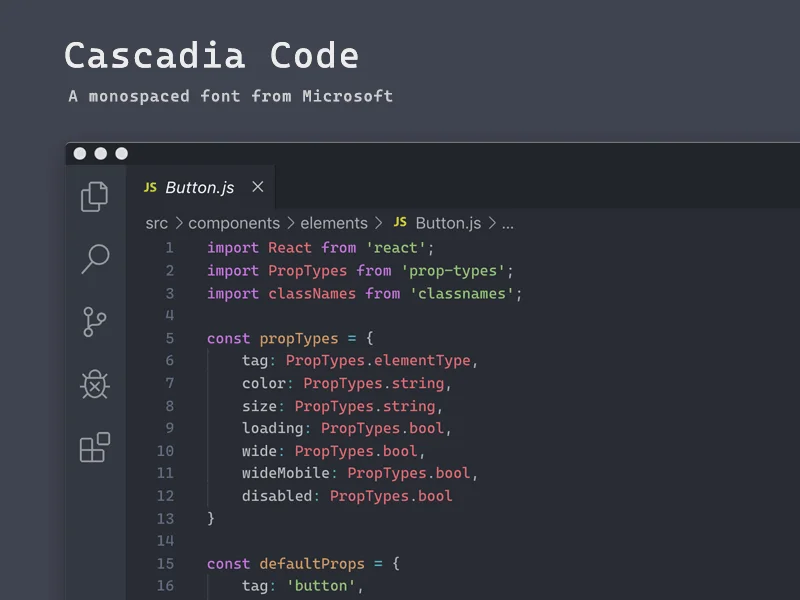
- DevOps & Systems7 minFira CodeJetBrains MonoCascadia CodeBest Fonts for VS Code: Setup, Ligatures, and Theme PairingsCompare the best VS Code fonts, including Fira Code, JetBrains Mono, and Cascadia Code. Includes settings.json snippets and theme pairing tips. Step-by-step.
- DevOps & Systems8 minPowerShellHow to Change Directory in PowerShell: Basics of Changing DirectoriesLearn cd, Set-Location, Push-Location, and cd - in PowerShell. Covers paths with spaces, UNC paths, drive gotchas, and common errors. Step-by-step.
- DevOps & Systems6 minHomebrewHow to Fix "zsh: command not found: brew" on macOS (Intel & Apple Silicon)Run the brew shellenv fix for Apple Silicon or Intel, resolve Rosetta conflicts, and recover Homebrew after a macOS update. Includes diagnostic commands.
- AI & Automation6 minSQLiteClaude CodePersistent Local Memory for AI Coding Agents: SQLite Over Vector DBsAI coding agents burn tokens re-reading your codebase every session. Build a local SQLite memory system that cuts token use by 100x, no vector DB needed.
- AI & Automation8 minClaude CodeMCPClaude Code Tutorial: From Setup to Advanced WorkflowsInstall Claude Code, run your first session, and move from basic prompts to permission modes, hooks, MCP servers, and custom skills as your workflow grows.
- DevOps & Systems7 minPythonVS CodePython Virtual Environments in VS Code: The Complete Setup GuideSet up Python virtual environments in VS Code the right way: interpreter selection, auto-activate, requirements.txt workflow, and common errors fixed.
- DevOps & Systems6 minWindowsWindows Window Management Shortcuts: Maximize, Snap & Multi-Monitor GuideMaster your workflow with essential Windows shortcuts. Learn how to maximize, minimize, snap windows, and move apps between monitors instantly. Step-by-step.
- AI & Automation7 minClaude CodeClaude Code Commands: The Ones That Actually Matter (And When to Use Them)Confused between /compact, /clear, and /rewind in Claude Code? Learn exactly which command to use and when, plus hidden ones like /btw and ULTRATHINK.
- Design & Motion7 minImageMagickPhotoshopHow to Convert HEIC to JPG on Windows & Mac (5 Free Methods)HEIC files won't open in Photoshop, Lightroom, or web uploads. Convert them with built-in Windows 11 tools, Mac Quick Actions, iOS tricks, and ImageMagick.
- DevOps & Systems8 minVimGitSSHHow to Save and Exit Vim: Commands, Errors, and Real-World ScenariosEvery Vim exit command explained: :wq, :x, ZZ, :q!, and :wqa. Covers Git workflows, SSH read-only files, swap file recovery, and Ctrl+S in .vimrc.
- DevOps & Systems8 minChromeOSCROSHSSHCROSH Commands for Developers: Debugging, Diagnostics, and Development Workflows on ChromeOSLearn how to use CROSH to debug Crostini crashes, fix port forwarding, run SSH, and profile memory on ChromeOS. A practical developer-focused command reference.