
How to Create a Dynamic Timer in After Effects (Expression Code)
Copy-paste expression code to build an HH:MM:SS timer in After Effects. Countdown, count-up, milliseconds, pause controls, and the ExtendScript error fix.
Production-ready creative workflows for design, motion, image generation, and visual systems.
Picked from rated guides, easiest first. Each step is a full guide that links to the next.
HEIC files won't open in Photoshop, Lightroom, or web uploads. Convert them with built-in Windows 11 tools, Mac Quick Actions, iOS tricks, and ImageMagick.
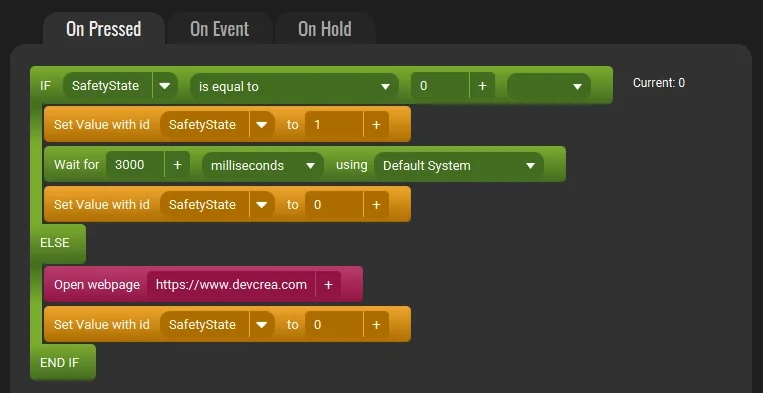
2Confirmation StatePrevent accidental clicks! Learn how to create an Are You Sure? confirmation button in Touch Portal using states and logic logic for dangerous actions.
Build a digital clock in After Effects with a working count-up expression. Includes the AE 2022+ JS engine fix and full layer setup for an LED display look.
Copy-paste expression code to build an HH:MM:SS timer in After Effects. Countdown, count-up, milliseconds, pause controls, and the ExtendScript error fix.

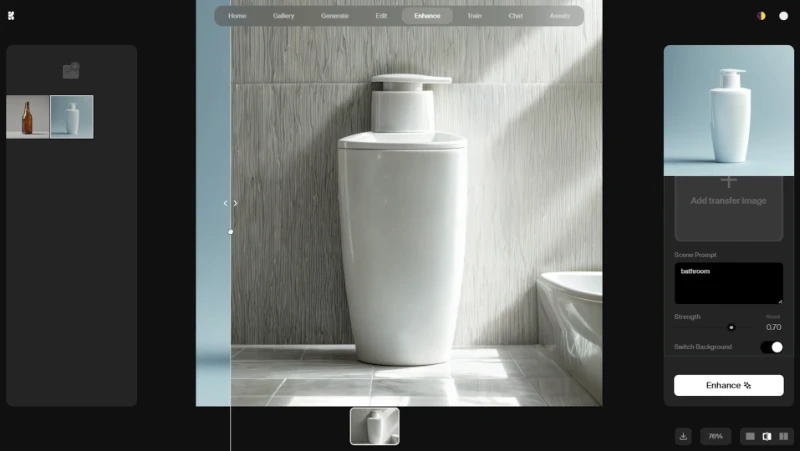
Learn the exact strength values (0.75-0.90), prompt formulas, and upscaling steps to get professional product photos with Krea AI Scene Transfer.
HEIC files won't open in Photoshop, Lightroom, or web uploads. Convert them with built-in Windows 11 tools, Mac Quick Actions, iOS tricks, and ImageMagick.
Set up a dynamic number counter in Blender with Geometry Nodes. Covers animation, linear interpolation, custom fonts, prefix/suffix, and troubleshooting.
Pro Align Tools adds an interactive gizmo to Blender for real-time object alignment. Compare it with Mesh Align Plus, POPOTI, and the free built-in option.
Build a digital clock in After Effects with a working count-up expression. Includes the AE 2022+ JS engine fix and full layer setup for an LED display look.
Watch & build
Walkthroughs from Design & Motion. Pick one and it plays right here.
PhotoshopIntermediate6 min guide
Learn to add realistic hair with Photoshop's AI Generative Fill. Our pro guide shows you the best prompts and how to avoid fake 'wig' results.
Read the guidePlaylist · 7

Prevent accidental clicks! Learn how to create an Are You Sure? confirmation button in Touch Portal using states and logic logic for dangerous actions.

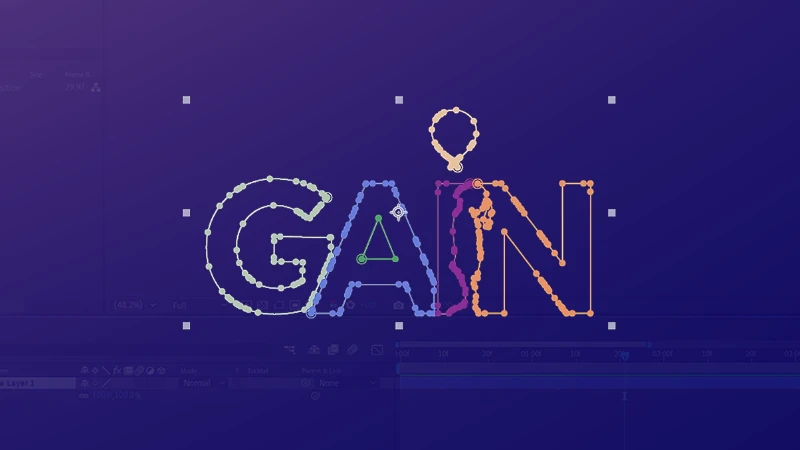
Learn how to animate a PNG logo in After Effects using Auto Trace and Stroke effects. Create professional line reveals without vector files.

Stop wasting hours on the timeline. Master the exact audio dB levels, practical cut techniques, and render settings to speed up your editing process.