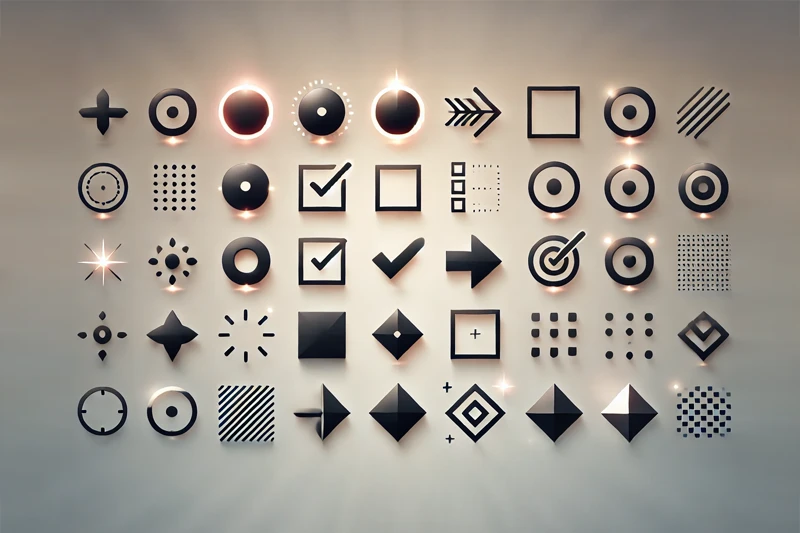
Need a bullet point symbol quickly? Whether you are designing a UI, writing a post, or coding in HTML, here is the ultimate collection of dot symbols, squares, and arrows ready to copy.
We also included the keyboard shortcuts (Alt codes) and HTML entities for developers below.
Quick Copy & Paste
We categorized the symbols so you can find exactly what you need without scrolling endlessly. Just select the symbol you want and copy it.
Standard Dots
• Standard Bullet
◦ White Bullet
· Middle Dot
◘ Inverse Bullet
⦿ Circled Bullet
Square & Box Bullets
■ Black Square
□ White Square
▪ Small Square
▫ Small White Square
❏ Square with Shadow
Arrow Bullets
➤ Arrow Bullet
➔ Right Arrow
➜ Heavy Arrow
➝ Thin Arrow
➞ Triangle Arrow
► Play Button Style
Unique & Decorated Bullets
★ Star Bullet
✦ Sparkle
✔ Heavy Check
❖ Diamond Shape
♦ Black Diamond
How to Type Bullet Point on Keyboard
If you don't want to copy-paste every time, using keyboard shortcuts is much faster.
Windows (NumPad Required)
To type a standard bullet (•), make sure your NumLock is on, hold the Alt key, and type the code sequence.
- Alt + 0149 = • (Standard)
- Alt + 7 = • (Alternative)
- Alt + 254 = ■ (Square)
- Alt + 16 = ► (Arrow)
Mac Shortcuts
On macOS, the process is simpler.
- Option + 8 = •
HTML & CSS Codes for Developers
Since you are likely building a web project, using raw symbols directly in your HTML isn't always the best practice due to encoding issues. Here are the correct entity codes and CSS styles.
| Symbol | HTML Entity | Hex Code | CSS Implementation |
|---|---|---|---|
| • | • | \2022 | list-style-type: disc; |
| ◦ | ◦ | \25E6 | list-style-type: circle; |
| ■ | ■ | \25A0 | list-style-type: square; |
| ➤ | ➤ | \27A4 | content: "\27A4"; |
Pro Tip: If you want to use a custom character like an arrow or a star as a list item marker, it is better to use the ::before pseudo-element in CSS rather than typing it in HTML.
Explore More Symbols
Standard bullets are clean and professional, but sometimes you need something more expressive for your design or social media captions. We have prepared specific collections for those needs:
- Need valid checkmarks, x-marks, or ballot boxes? Go to our cross copy and paste guide.
- Building a rating system or highlighting a review? Grab the perfect star symbol.
- For social media captions or affectionate UI elements, use our heart symbol collection.
Why Do Symbols Appear as Empty Boxes?
Sometimes, when you paste a bullet point symbol, you might see a rectangle (□) or a question mark instead of the dot. This usually happens for two reasons:
- Font Missing: The font you are using doesn't support that specific Unicode character. This is common with decorative or fancy arrows.
- Encoding Issues: The file you are working on is not saved in UTF-8 format.
If you are coding a website, always ensure your document head includes the meta charset tag to prevent these display errors.

Comments (0)
Sign in to comment
Report