You open a new browser tab to build an AI agent. Within thirty seconds, you've got forty tabs open. Gumloop. Lindy. n8n. CrewAI. Zapier Agents. ChatGPT Operator. Make.com. Relay.app. Flowise. The list goes on. Each tool promises to be the easiest, the most flexible, or the most powerful. But which one actually fits your project?
The good news: you don't need all forty. The bad news: picking the wrong tool now means rebuilding later.
- No-code builders like Gumloop and Lindy let non-technical teams launch agents in hours, not months.
- Developer frameworks like CrewAI and LangGraph give you precise control over state, memory, and multi-agent coordination.
- Workflow platforms like n8n and Zapier blur the line between automation and agentic intelligence.
- Self-hosted options like Flowise and n8n keep your data off third-party servers.
- Hybrid platforms like Voiceflow and Relay.app let you mix visual builders with code and human approval steps.
What an AI Agent Builder Actually Does
An AI agent is not a chatbot. A chatbot responds to user input. An agent acts independently: it observes its environment, decides what to do, executes actions, and adapts based on results, all without being prompted at each step.
A workflow automates a fixed sequence. An agent can loop, branch, delegate to sub-agents, and decide which tools to invoke. If you want to chat with your data, you need a chatbot. If you want to scan email for invoices, extract amounts, post to accounting, and flag exceptions, you need an agent builder.
Most modern agent builders layer agentic logic on top of familiar no-code interfaces. You drag in an AI brain, connect data sources and APIs, define available tools, and let it run. The good ones give you observability: logs, traces, failure alerts, so you can debug when things break.
No-Code AI Agent Builders
Gumloop
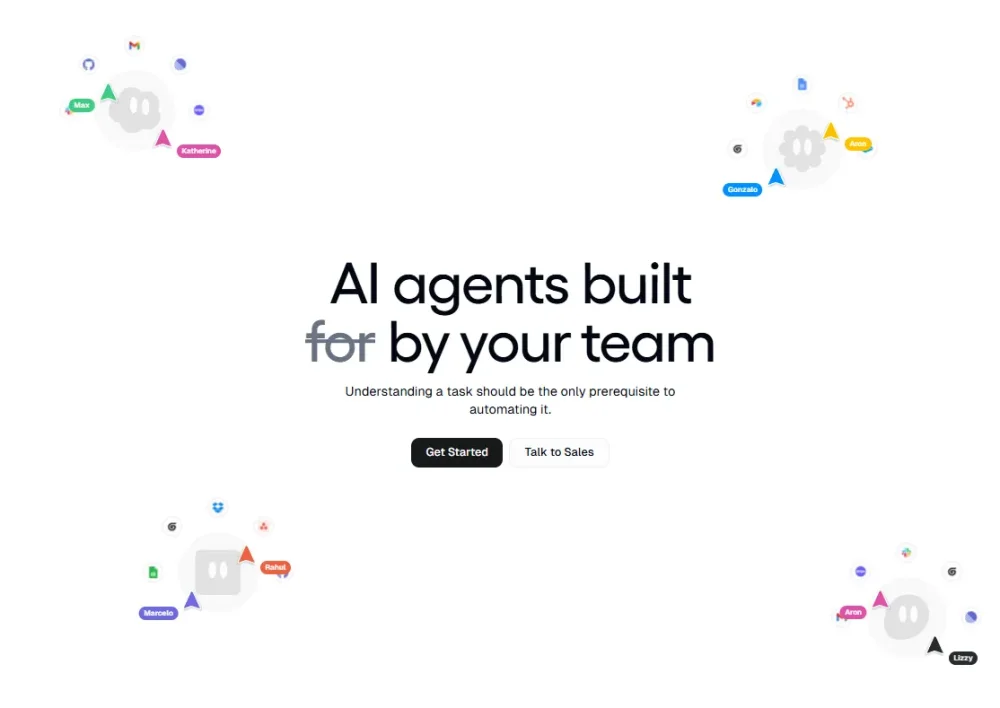
What it is: Visual workflow builder with 130+ pre-built nodes and a native AI step; used by teams at Instacart, Webflow, and Shopify. SOC 2 and GDPR compliant. Supports GPT-4 and Claude.
What it's best for: Teams that need multi-step agents with branching logic, data transformation, and API calls without touching code. Marketing automation, lead qualification, internal process workflows.
Honest gotcha: Custom tool integration requires setup. A specialized API that isn't pre-built means time in the API connector. For a simple webhook-to-Slack workflow, that's fine. For a 15-step agent chain with custom business logic, plan for a day of configuration. Teams on Reddit also note that debugging failed runs can be opaque: you see that a step failed, but tracing why requires checking external API logs separately.
Lindy
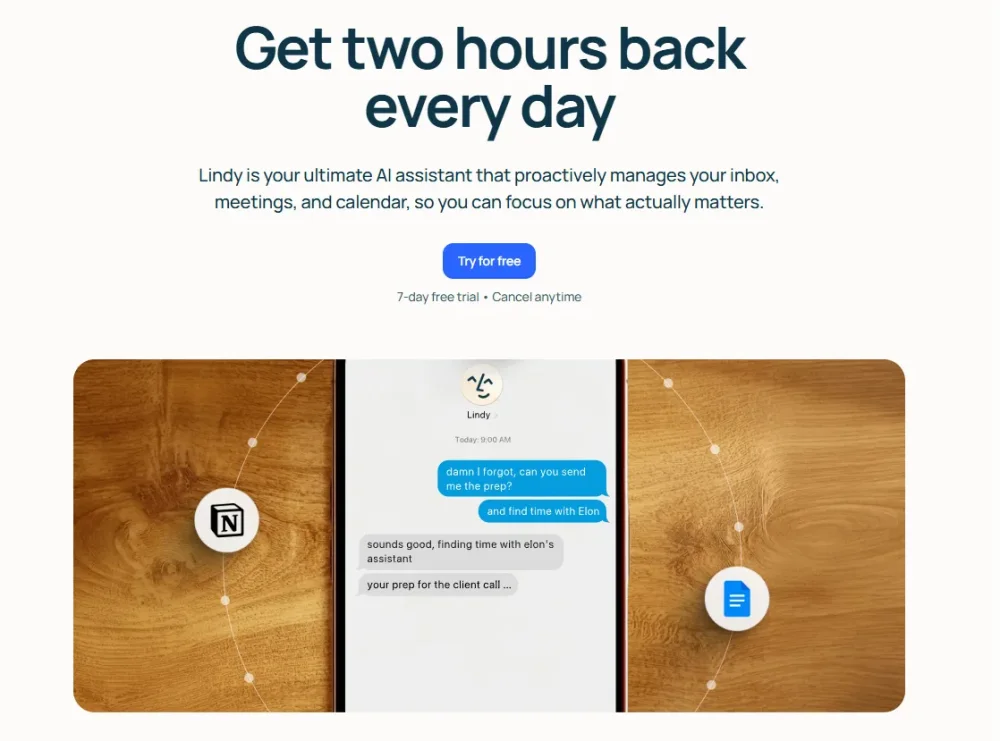
What it is: Autonomous AI assistant that proactively manages your inbox, calendar, and meetings; integrates via iMessage, SMS, and native app connectors. Uses OpenAI models.
What it's best for: Non-technical users who want an AI employee handling routine tasks. Email triage, meeting scheduling, CRM updates, and context-aware responses in natural language.
Honest gotcha: Lindy is opinionated. You don't build a workflow; you describe what you want the agent to handle, and Lindy figures out how. That's powerful for simple tasks like reject calendar conflicts and reschedule, but weak if you need precise control over edge cases. If your workflow logic is complex, you'll fight Lindy's abstraction. No self-hosting option.
Relay.app
What it is: Visual automation platform that emphasizes human checkpoints; every workflow can pause for approval before executing risky steps.
What it's best for: Teams that need automation but can't afford mistakes: content approval, hiring workflows, finance processes. Relay builds AI-powered drafts and recommendations that a human reviews before they go live.
Honest gotcha: The approval checkpoint model is a feature, but it also makes workflows slower. If you need instant auto-responses to support emails, Relay's wait for human architecture will bottleneck you. Use it for medium-speed processes, not real-time automation.
ChatGPT Operator (OpenAI Preview)
What it is: Browser-based autonomous agent from OpenAI; fills forms, navigates websites, and performs complex web tasks by seeing screenshots and reasoning about them.
What it's best for: One-off web scraping, form submission, and data entry tasks. Scheduling meetings across multiple booking sites. Comparing product features across vendors.
Honest gotcha: It's slow. Operator reasons through each step, which takes 5-10 seconds per action. For tasks that need speed or precision, you'll find yourself babysitting it. Also, it's bound to OpenAI models; you can't swap in Claude or a local model for cost control or privacy. Still in preview as of early 2026.
Zapier Agents
What it is: Zapier's agentic layer wrapping their 6,000+ integrations with LLM decision-making. Supports GPT-4 and Claude.
What it's best for: Businesses already in the Zapier ecosystem who want smarter workflows without switching platforms.
Honest gotcha: Zapier's strength is breadth, not depth. Yes, 6,000 integrations. But if your workflow needs conditional branching, sub-agents, or stateful multi-step reasoning, Zapier's agent layer feels thin. It handles if this, then do that with AI, not coordinate three specialized agents to solve a complex problem.
Developer Frameworks
CrewAI
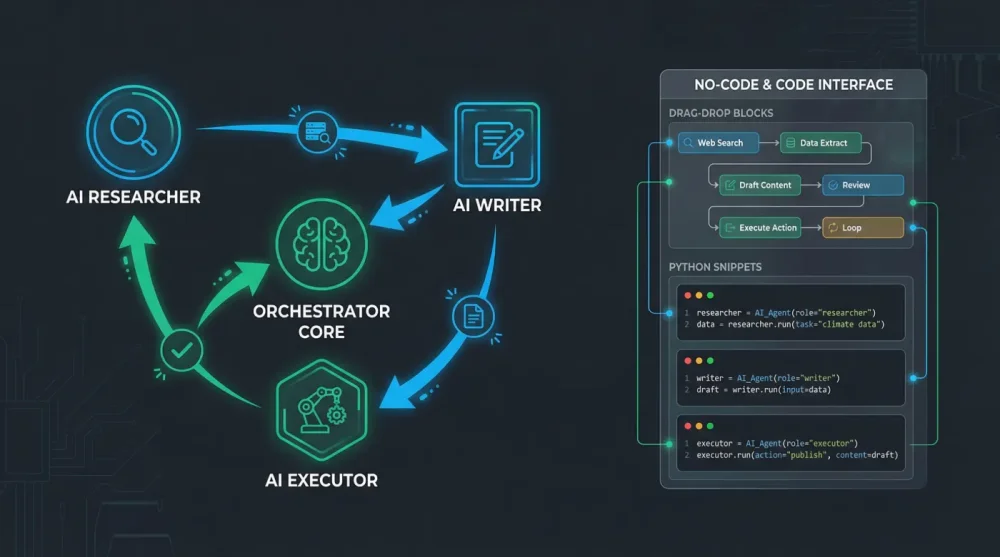
What it is: Python framework for role-based multi-agent teams; agents have defined roles, goals, memory, and communication protocols. Works with any LLM (OpenAI, Claude, Gemini, local Ollama models).
What it's best for: Complex workflows where specialization matters: content teams (researcher + writer + editor agents), customer support escalation, market analysis pipelines. The role-based abstraction mirrors real org structures.
Honest gotcha: CrewAI abstracts away a lot of control in favor of developer velocity. If your agents need to share stateful context across sessions or run complex graph-based workflows, the higher-level API can feel restrictive. You're trading flexibility for speed-to-prototype. A common issue reported on GitHub: when agents get stuck in loops, debugging requires logging every tool call manually because CrewAI's built-in verbose mode can still be too high-level to isolate the problem.
LangGraph (LangChain)
What it is: Graph-based workflow engine from LangChain; agents are nodes, transitions are edges; explicit state machine for agentic systems. Supports all major LLMs.
What it's best for: Workflows where you need precise control over state, conditional branching, looping, and parallel agent execution. Financial analysis, research pipelines, complex decision trees.
Honest gotcha: LangGraph is low-level. You'll write significantly more code to get the same agent working compared to CrewAI. One pattern that trips up new users: defining persistent checkpoints. LangGraph requires you to explicitly configure a Checkpointer (e.g., SqliteSaver) for state persistence across runs. Skipping this means your agent loses all context on restart , the kind of bug that surfaces only in production.
n8n
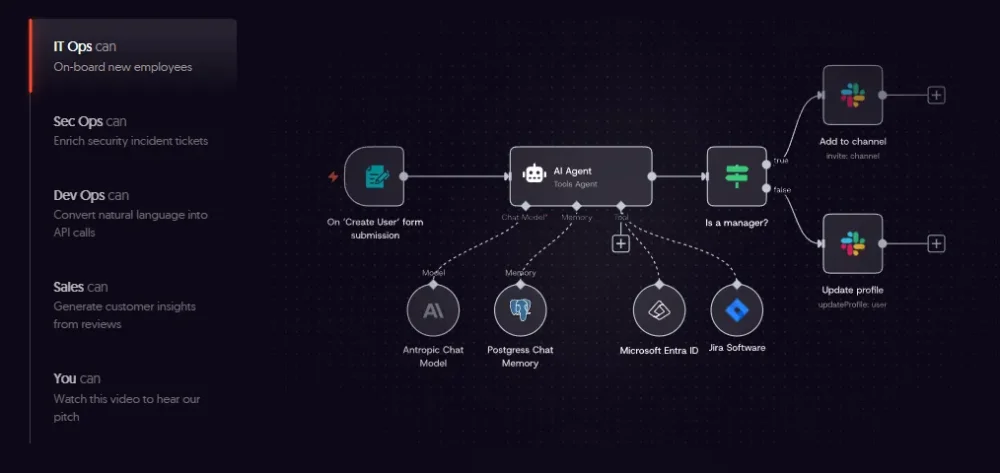
What it is: Self-hosted or cloud workflow automation with 400+ integrations and growing support for agentic patterns (conditional branching, sub-workflows, tool calling). Supports OpenAI and Claude.
What it's best for: Teams that need to own their data and infrastructure. Hybrid workflows mixing traditional automation with agentic steps. On-premise deployments in private networks.
Honest gotcha: n8n's UI is powerful but cluttered. A 15-step workflow is manageable; a 50-step multi-branch agent system becomes hard to visualize. The self-hosted option gives you privacy, but you're responsible for updates, backups, and scaling. Docker is a requirement for self-hosting; teams without sysadmin experience underestimate the maintenance overhead.
Flowise (Open-Source)
What it is: Visual drag-and-drop builder for LangChain workflows; runs on your server or laptop; 100+ LLM and tool integrations. Supports OpenAI, Claude, Ollama (local models), and more.
What it's best for: Developers who want a visual builder without vendor lock-in. RAG pipelines, chatbots, multi-agent systems, all self-hosted.
Honest gotcha: Flowise is free and open-source, which means community support, not commercial SLAs. Enterprise-grade support isn't available. Complex agent graphs also become unwieldy in the visual editor at scale; sometimes it's faster to code the equivalent in Python than click it together.
AutoGen (Microsoft)
What it is: Python framework for multi-agent conversation and collaboration; agents communicate with each other using configurable personas and tools. Supports GPT-4, Claude, Gemini, local models.
What it's best for: Conversational workflows where agents debate, negotiate, or collaborate. Educational systems, scenario planning, research automation.
Honest gotcha: AutoGen is verbose to set up compared to CrewAI. You'll write more boilerplate. No visual UI: everything is code. Also, Microsoft rebranded the project to AG2 in late 2024, causing some documentation fragmentation; make sure you're following the correct version's docs.
Workflow Automation Platforms with Agent Support
Make.com (Formerly Integromat)
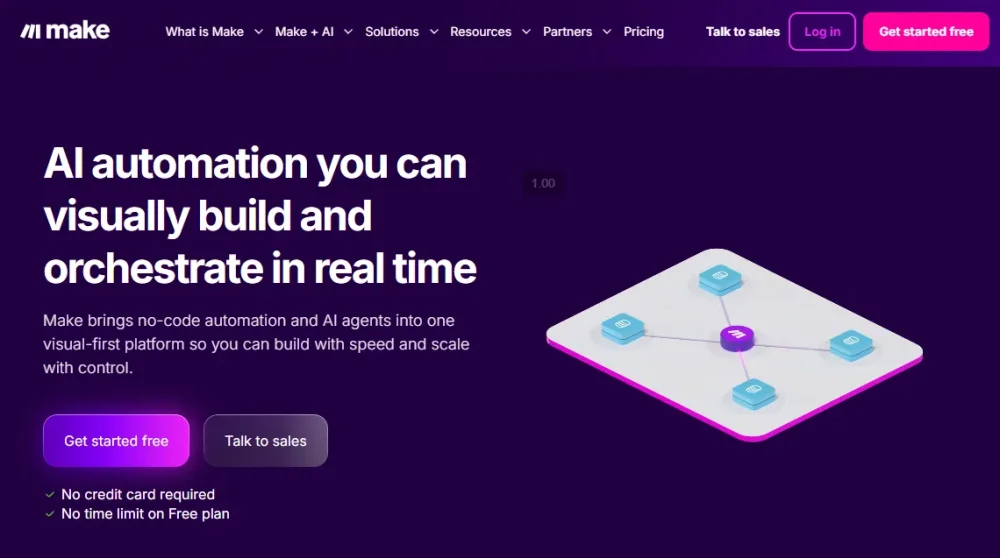
What it is: Visual workflow builder with 3,000+ app integrations; pricing based on operations (each action costs operations) rather than tasks.
What it's best for: High-volume automation connecting business SaaS tools: Salesforce, HubSpot, Slack, Google Workspace.
Honest gotcha: Make's pricing model is a trap for high-frequency workflows. A trigger that runs every minute costs 1,440 operations per day, roughly 44,000 per month. At the $9/month Free tier cap of 1,000 operations, that's a single automated trigger for 40 minutes per day. Calculate your actual operation count before committing to a plan.
Voiceflow
What it is: Multi-channel AI agent platform for chat and voice; includes visual conversation design and tool integration via agent steps. Supports GPT-4 and Claude.
What it's best for: Customer support agents, voice IVR automation, multi-turn conversational workflows across web, mobile, phone, and embedded chat.
Honest gotcha: Voiceflow is strong for conversation design but less flexible for background agents that don't interact with users. If you're building a silent worker agent (batch processing, data cleanup), Voiceflow's chat-first architecture feels like overkill.
How to Choose
| Tool | Best For | Pricing | Self-Hostable | LLM Support | Onboarding |
|---|---|---|---|---|---|
| Gumloop | Multi-step no-code workflows | $97/month | No | GPT-4, Claude | 2-4 hours |
| Lindy | Autonomous task handling | Custom | No | OpenAI | 1-2 hours |
| Relay.app | Human-in-the-loop automation | Custom | No | GPT-4 | 2-4 hours |
| ChatGPT Operator | One-off web tasks | ChatGPT+ | No | GPT-4 only | 30 min |
| Zapier Agents | 6,000+ integrations | $29.99/month+ | No | GPT-4, Claude | 2-4 hours |
| CrewAI | Role-based multi-agent | Free (OSS) | Yes | Any | 4-8 hours |
| LangGraph | Stateful graph workflows | Free (OSS) | Yes | Any | 8-16 hours |
| n8n | Self-hosted hybrid automation | €20/month cloud | Yes | GPT-4, Claude | 4-8 hours |
| Flowise | LangChain visual builder | Free (OSS) | Yes | Any incl. local | 2-4 hours |
| AutoGen | Conversational multi-agent | Free (OSS) | Yes | Any | 8-16 hours |
| Make.com | High-volume app automation | $9/month+ | No | GPT-4 | 2-4 hours |
| Voiceflow | Chat and voice agents | Custom | No | GPT-4, Claude | 4-8 hours |
Pick no-code if you need speed and don't mind vendor APIs. Gumloop and Relay.app get you moving fastest. Lindy for truly autonomous agents.
Pick developer frameworks if you need control and fine-grained debugging. CrewAI for rapid iteration, LangGraph for complex state management, AutoGen for conversation-driven systems.
Pick workflow platforms if you're connecting existing business tools. Zapier if you love integration breadth, Make.com if your volume is manageable, n8n if you need self-hosting.
Pick open-source if you need to own the code. Flowise for visual workflows, CrewAI or LangGraph for Python, AutoGen for conversational systems.
Privacy matters too: if your agent processes sensitive data, self-hosted options (n8n, Flowise, CrewAI, LangGraph, AutoGen) keep data off third-party servers entirely.
Building Your First Agent
Start with what you know. If you've written Python, set up CrewAI or LangGraph locally, define a two-agent team (researcher + summarizer), and run it against a real dataset. If you haven't touched code, open Gumloop or Lindy and build a proof-of-concept in a day.
The most expensive mistake is overthinking the stack. Pick one tool, build a small workflow (email summary to Slack, contact form to CRM), and let it run for a week. You'll hit real gotchas that matter for your use case. Then decide if you need to migrate.
Don't assume you need a single tool either. A realistic production stack: Gumloop for customer-facing automation, CrewAI for backend research agents, n8n for stitching them together. It adds complexity, but each tool does what it does best.
For keeping AI agent costs under control, see how cost-effective AI coding agents compare on real workloads. For Python environment setup before running local agent frameworks, the conda environment workflow covers the basics.