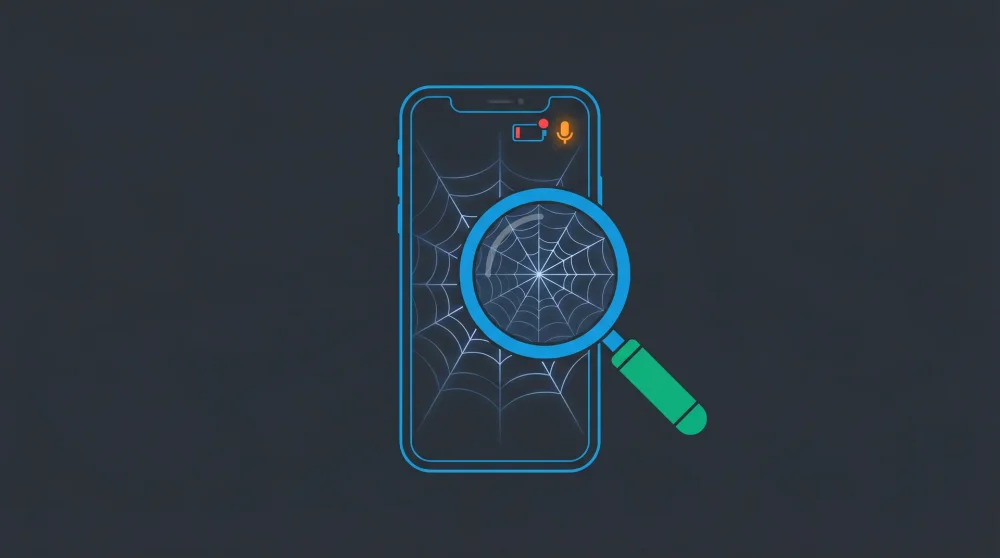

Panicking over a rapidly draining battery is the most common mistake people make when they suspect a phone hack. Modern malware is specifically engineered to stay completely hidden, meaning the real indicators of a compromised device are usually silent credential changes or network anomalies. Stop staring at your battery percentage and start checking your active session logs.
| Quick Reference | Action |
|---|---|
| Check call forwarding | Dial *#21# on Android/GSM |
| Disable all forwarding | Dial ##002# immediately |
| Urgent: do NOT change passwords on the suspected device | Use a clean secondary device instead |
High-Confidence Indicators: Signs of an Active Hack
Unrequested 2FA Codes and Account Lockouts
If you receive a login code you never requested, someone has your password and is hitting the two-factor authentication wall. If you get locked out of your Google or Apple account entirely, the situation is critical. The attacker has already bypassed your security and changed your core credentials.
Unknown Linked Devices in WhatsApp and Telegram
Hackers often bypass device-level security by mirroring your messaging apps to the web. Open WhatsApp, navigate to Linked Devices, and look for active sessions you do not recognize. Seeing a Windows or Mac login you never authorized means someone is actively reading your chats. This is the primary method attackers use, and it connects directly to how WhatsApp accounts get compromised via phone number.
Microphone or Camera Indicators Activating Randomly
Both iOS and modern Android display a green or orange dot in the top corner of the screen when the microphone or camera is active. If this dot appears while you are on your home screen with no active calls or apps open, spyware is likely recording your environment.
Phantom Messages and Unfamiliar Billing Charges
Check your sent folders for messages you never typed. Ask frequent contacts if they have received bizarre links or urgent requests from your number. Then check your monthly phone bill for premium SMS charges or unexpected data overages. Attackers routinely subscribe compromised devices to paid SMS services.
Low-Confidence Indicators: Do Not Panic Yet
Severe Battery Drain and Overheating
A hot phone dropping from 100% to 20% in two hours feels alarming. It is usually battery degradation, a stuck background app, or a weak cellular signal forcing your modem into overdrive. Unless paired with high-confidence security alerts, battery drain alone is a hardware or optimization issue.
Slow Performance and UI Glitches
Apps crashing or the keyboard lagging are standard symptoms of maxed-out storage or an outdated OS. Clear your cache and delete large video files before assuming a hacker is bogging down your processor.
Pop-up Ads Outside of Browsers
An ad appearing on your home screen is usually adware bundled with a cheap flashlight or utility app downloaded from a legitimate store. Finding and deleting the culprit app solves the problem. It rarely means your core OS is compromised.
How to Confirm a Compromise: OS-Specific Diagnostics
Android: Audit Battery and Data Usage
Go to Settings > Network > Data usage and review the last 30 days. Look for unfamiliar apps consuming gigabytes of background data. Then check Settings > Battery > App usage for unknown processes draining power at 3 AM when the phone is idle.
iPhone: Check Location Services and Analytics
iOS sandboxing makes traditional malware installation extremely difficult. Spyware on an iPhone usually abuses location permissions. Go to Settings > Privacy > Location Services and review every app set to Always. Revoke access from anything that does not need your constant location.
Run MMI Codes to Check Call Forwarding
Open your dialer and type *#21#. This queries your carrier to see if calls, texts, or data are being forwarded to another number. If a rogue number appears, dial ##002# immediately to erase all forwarding settings. This matters because call forwarding is one of the methods used in phone-based attacks that work without clicking anything.
What to Do If Your Phone Is Hacked
Order matters here. Doing step 3 before step 1 gives the attacker time to intercept your new credentials.
1. Change critical passwords from a different device. Resetting passwords on the hacked phone is dangerous. A keylogger can capture the new ones instantly. Use a clean laptop or tablet.
2. Revoke all active sessions and linked devices. Log into Google, Apple, WhatsApp, Telegram, and your email from the clean device. Force-logout every session and remove unrecognized devices.
3. Run a security scan. Android users can run Google Play Protect manually. For a deeper scan, a reputable antivirus app will catch rogue installations that Play Protect misses.
4. Factory reset as a last resort. If anomalies persist or rogue apps refuse to uninstall, wipe the device. A factory reset destroys local encryption keys and eliminates almost all commercial spyware. Back up photos and contacts to the cloud before initiating.
The high-confidence indicators above require immediate action. The low-confidence ones require a calm diagnostic process, not panic. Run the checks in order and you will know within ten minutes whether you have a real security incident or just an aging battery.